Unlock 9% Savings

Use code: G2A9SOFT

Buy nowFrom trusted partner

Joe Wainer

Updated 3 weeks ago

A free slideshow software

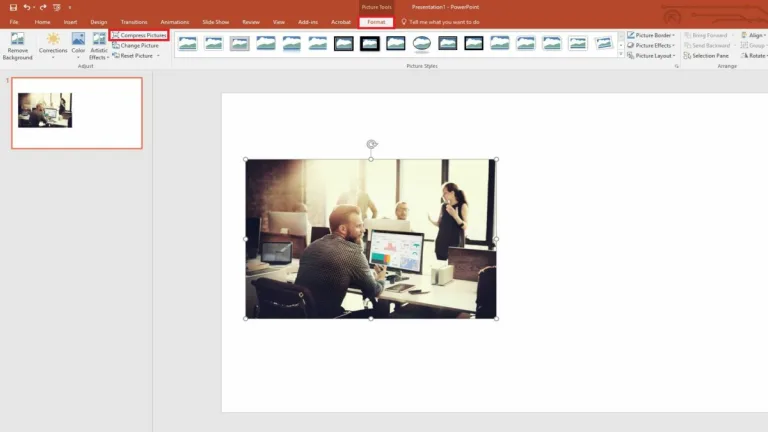
Microsoft PowerPoint is a free productivity app that remains one of the most widely used presentation tools in education, business, and professional communication. As part of the Microsoft 365 ecosystem, it continues to evolve with modern design options, cloud connectivity, and collaborative features that support clear, visually engaging storytelling. 

Top Recommended Alternative
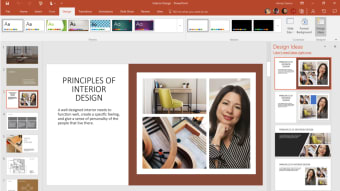
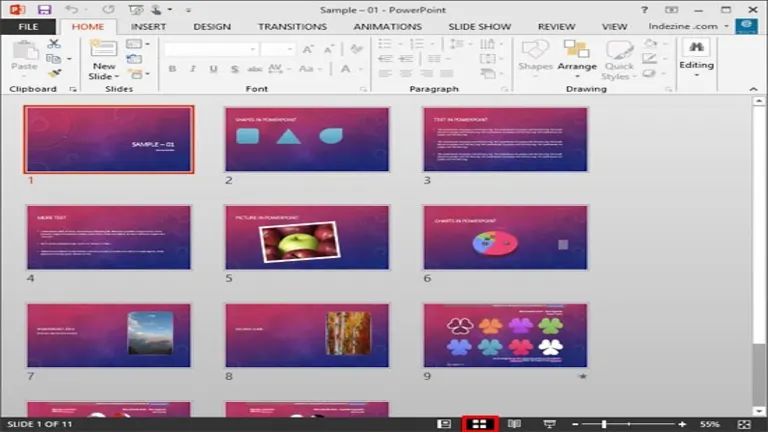
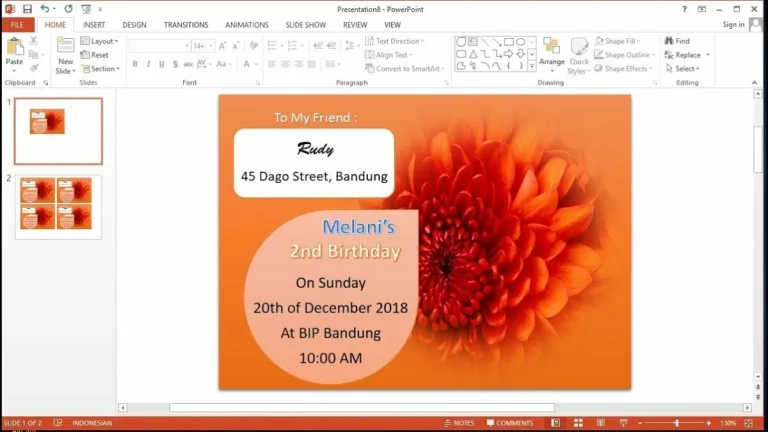
With its familiar interface and flexible creation options, Microsoft PowerPoint allows users to design slideshows from scratch or build quickly using professionally designed templates. Its widespread file compatibility makes it a practical choice for students, teams, and organizations that rely on consistent presentation standards. 

Create and manage your presentations  

You can download Microsoft PowerPoint for Windows at no upfront cost by subscribing to Microsoft 365, which provides access to the full application suite. Users can begin with blank slides for total creative control or choose from hundreds of templates. These templates simplify layout, color selection, and typography, helping users produce polished presentations efficiently, even without advanced design skills. 

Before installing the software, users should confirm their system meets basic requirements. The application requires Windows 10 or later because it operates through Microsoft 365 and cloud-based OneDrive storage. Saving files online enables access from multiple devices, but consistent operating systems are essential. Without Windows 10 or newer, presentations cannot be opened or edited reliably in professional or academic settings. 

A seamless presentation platform 

Overall, Microsoft PowerPoint remains a dependable presentation solution supported by the broader Microsoft 365 platform. Its flexible subscription options accommodate individuals, families, and businesses of varying sizes, while cloud storage and application integration enhance productivity. Whether used for education, sales, or executive reporting, it combines accessibility, functionality, and scalability to meet modern presentation demands across diverse professional and organizational contexts. 
Joe Wainer

Joe Wainer is a content writer with a strong interest in technology and software. He enjoys exploring new apps, games, and tools, translating his findings into reviews that are clear and accessible. His background also includes coding projects, adding practical insight to his evaluations.

  • Pros

    • Let you create presentations from scratch or through templates
    • Can handle detailed data and multimedia content
  • Cons

    • Requires a certain system requirement
 0/2

App specs

  • License

    Free

  • Version

    2021

  • Latest update

  • Platform

    Windows

    Other platforms (3)
  • OS

    Windows 10

  • Language

    English

    Available languages

    • English
    • Spanish
    • German
    • French
    • Italian
    • Russian
    • Portuguese
    • Dutch
    • Polish
    • Chinese
    • Turkish
    • Arabic
    • Czech
    • Korean
    • Greek
    • Hindi
    • Japanese
    • Danish
    • Finnish
    • Norwegian
    • Swedish
  • Downloads

    9.6M

    Last month's downloads

    • 88.4K
  • Developer

Also available in other platforms

Program available in other languages


Unlock 9% Savings

Use code: G2A9SOFT

Buy nowFrom trusted partner

User reviews about Microsoft PowerPoint

3

5 reviews

Add review

Main reviews for you

  • Anonymous user

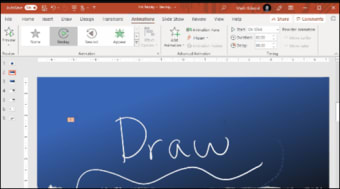
    I love it. it works well and it has very good animations transistions and fonts

  • Anonymous user

    Yes we can summarize. power point no there was problem for receive their own point Pros: to add the filein power point Cons: to save correctlynot anywhere

  • Anonymous user

    Good easy before this. its is very good but mine is expiry. before this good now expiry.

  • Anonymous user

    Great in a lot subject. I use this program in doing craft. Powerful can be use in alot homework subject. This is very interest program too do craft

  • Anonymous user

    Powerpoint is best for presentations.. The Powerpoint is very good softwear for preparing presentations Cons: slides angles

More

You may also like

Alternatives to Microsoft PowerPoint

Explore Apps

Related Articles

Latest articles

Laws concerning the use of this software vary from country to country. We do not encourage or condone the use of this program if it is in violation of these laws. Softonic may receive a referral fee if you click or buy any of the products featured here.